A long page of notes can be hard to follow while speaking. Cue lets you divide the story into cards so your next point is easy to find. Try a three-card introduction before preparing a longer manuscript.
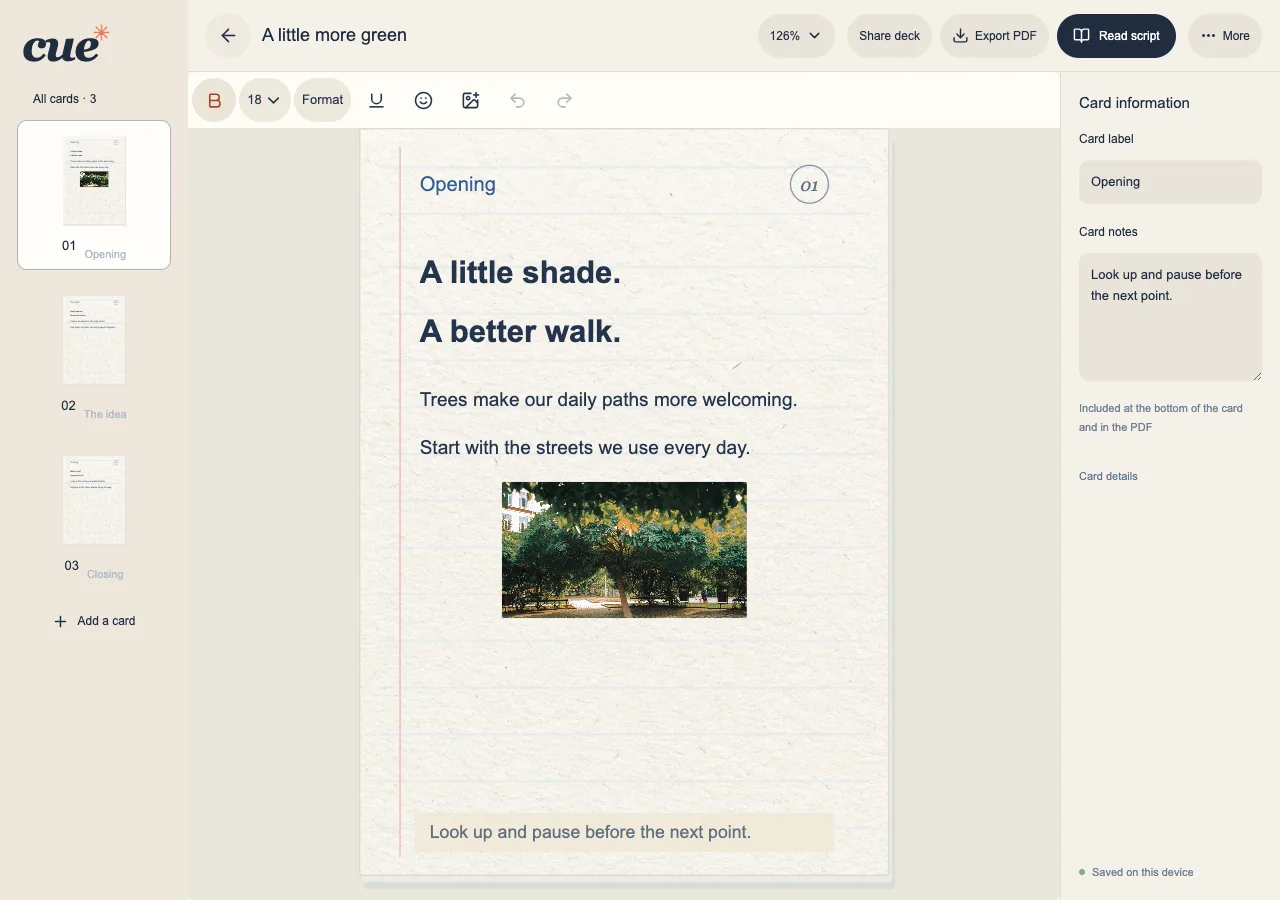
Start with one small deck
Open Cue in your browser and choose New deck. A deck is one manuscript made of cards. You can start locally without connecting Google.
- Name the deck after the talk or reading so you can recognize it later.
- Choose portrait or landscape for the cards. Rotating your phone does not change that choice.
- Create the deck and write the opening on the first card.
Give each card one job
For a short introduction, use three cards: who you are, the point you want to share, and the closing line. Short cues are often easier to follow than one crowded card.
- Add a card for the main point and another for the ending.
- Use a clear label or a short note when you need an extra reminder.
- Open Read script to walk through the cards in order.
Return to your work
Cue saves personal manuscripts in this browser. Returning in another browser or on another device is a separate storage space until you use a backup or connect the same Google account.
- Check the save status before closing the page.
- Find the deck in My decks when you return.
- Use Settings → Data to save a backup before clearing browser data.